 Click Play, or press any game key.
Keyboard: arrows, X = A, Z = B, Enter = Start. A gamepad works too.
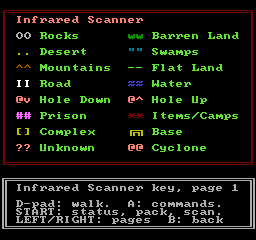
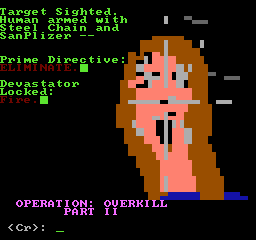
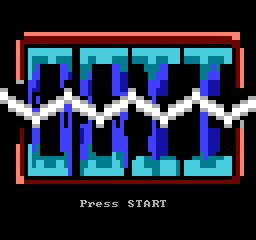
This is how Operation: Overkill II looked on a 1990s BBS: an IBM PC text screen in 16 colours, an ASCII map
of two-letter codes, menu pictures and ANSI art. The ANSI Edition puts that interface on the NES cartridge.
It uses the PC's own font, dumped from the BIOS, and re-lays every screen for the NES's 32 columns. The rules,
monsters, texts and story are the same as the NES Edition's.
An unofficial fan port. Your saved games stay in this browser.
Click Play, or press any game key.
Keyboard: arrows, X = A, Z = B, Enter = Start. A gamepad works too.
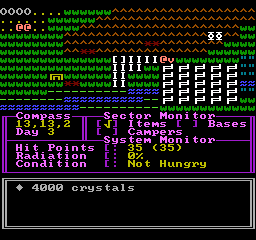
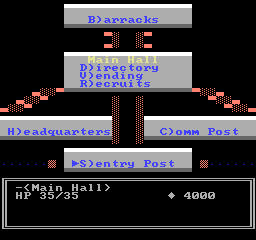
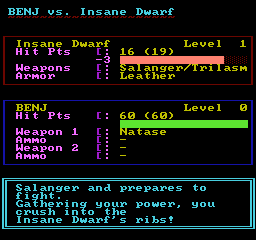
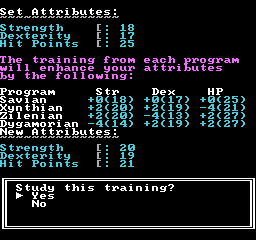
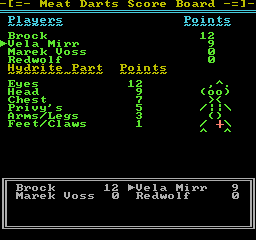
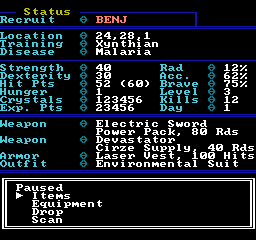
Every screen of the original was rebuilt from its ANSI files. The logon pictures are scaled from 80 columns to 32 and the Complex's menu pictures are redrawn. The wasteland monitor keeps its Compass, Sector Monitor and System Monitor, and combat is the original's text fight, with Action Combat's letter strip. The NES limits each 16×16 area to one palette, so every screen is laid out to fit.
Press Start on the logo and choose New Game. Register, choose a training program, and you're in the Main Hall. Rooms are menus: pick H)eadquarters and then the Supply Room for a weapon. To head out the gate, go to the Sentry Post and choose W)astelands.
The DOS original was decompiled, and its rules, monsters, maps and texts were carried into 6502 assembly for an MMC3 cartridge. Both editions build from the same code. Only the screens differ.